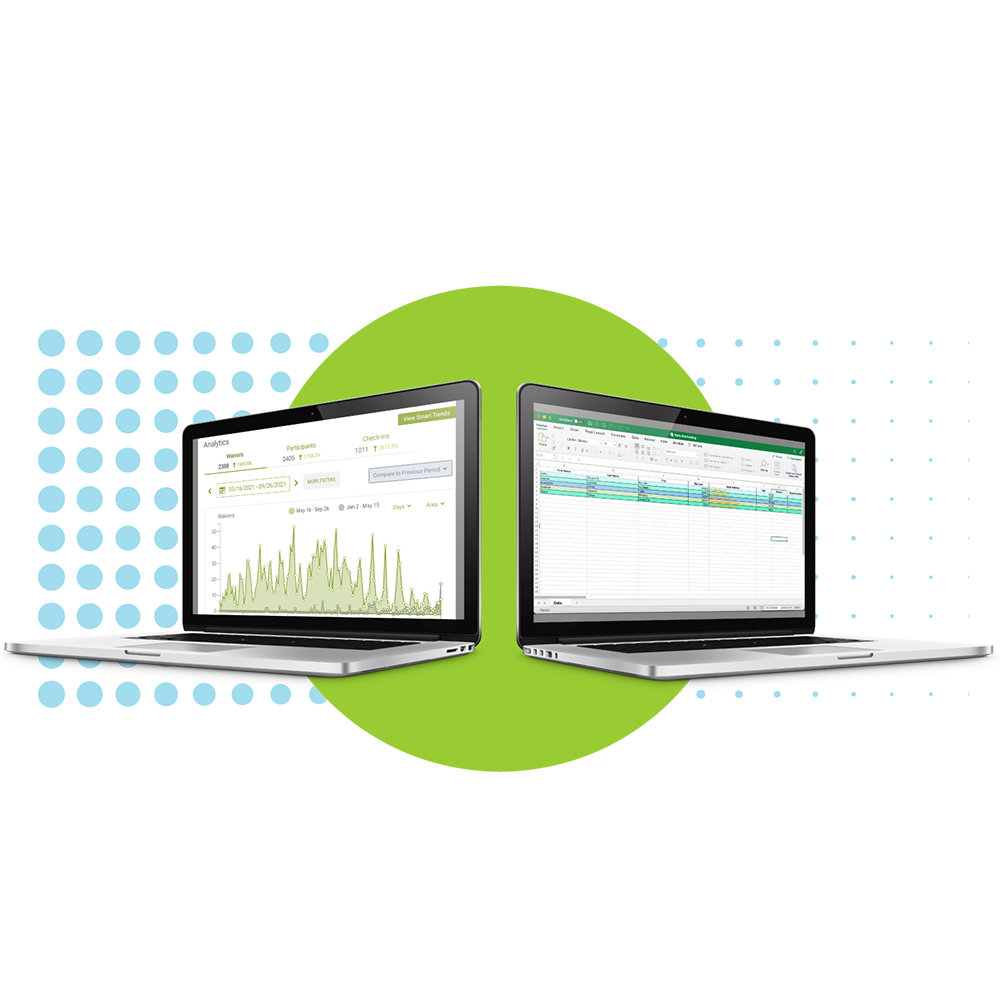









How Our Online Waivers Work
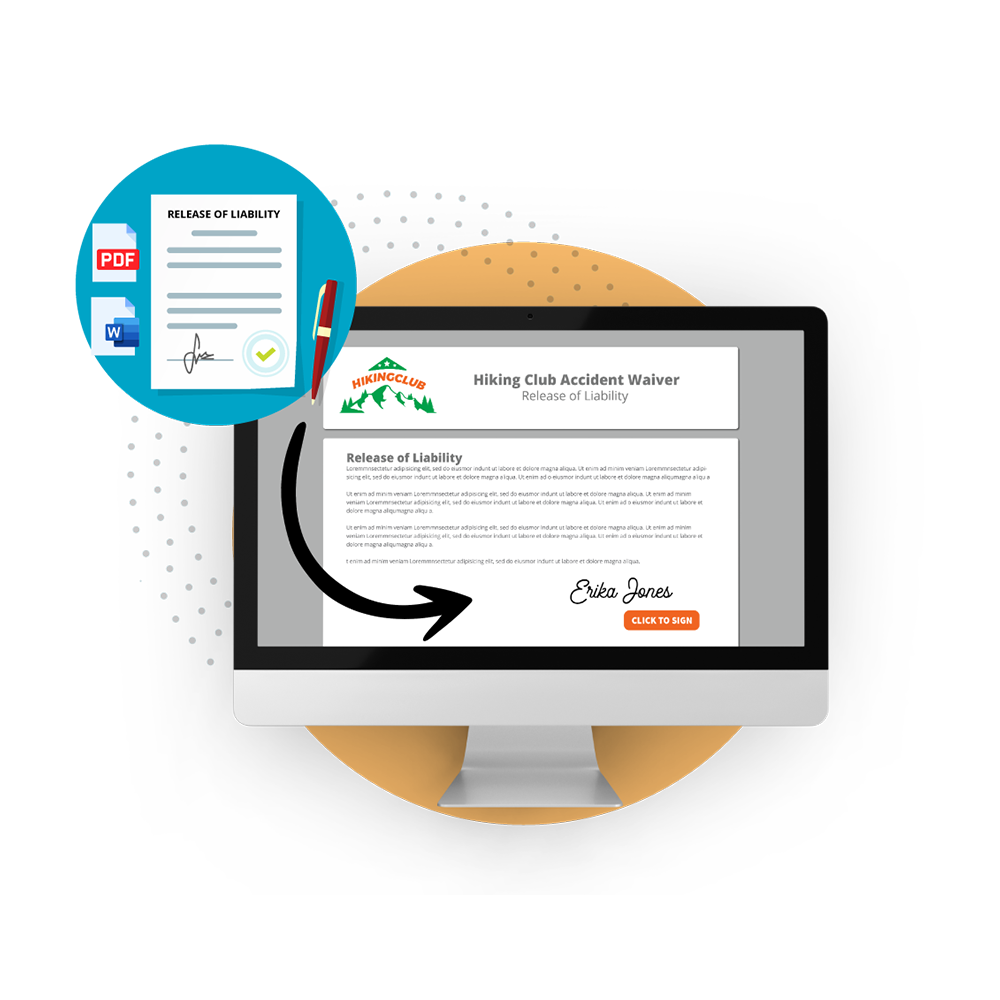
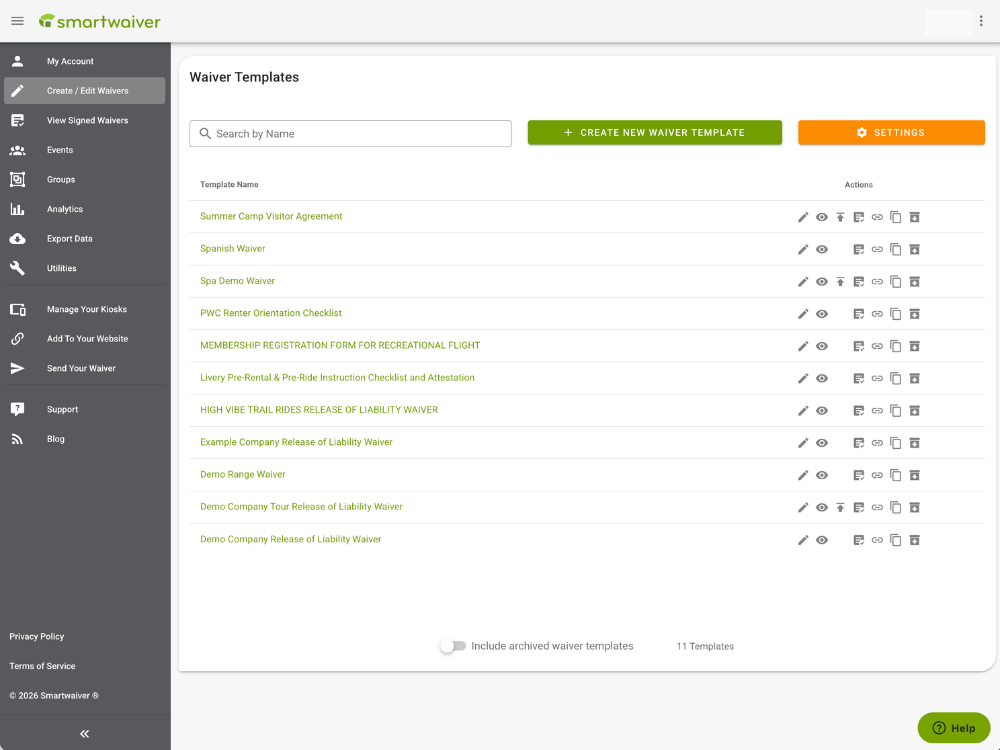
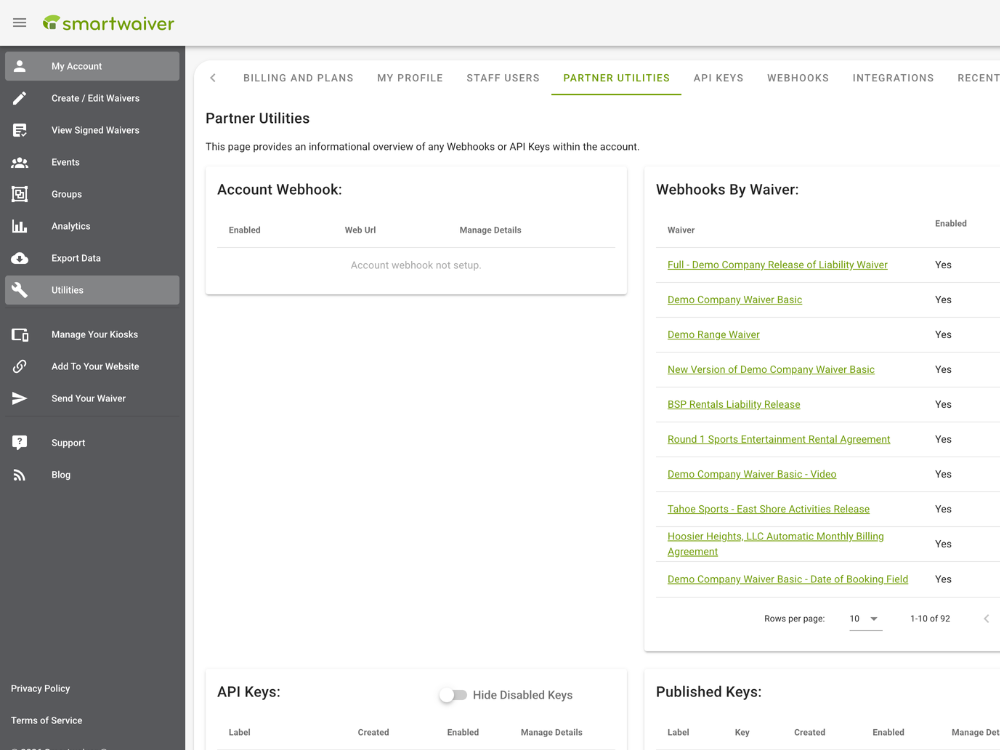
Convert Your Waiver
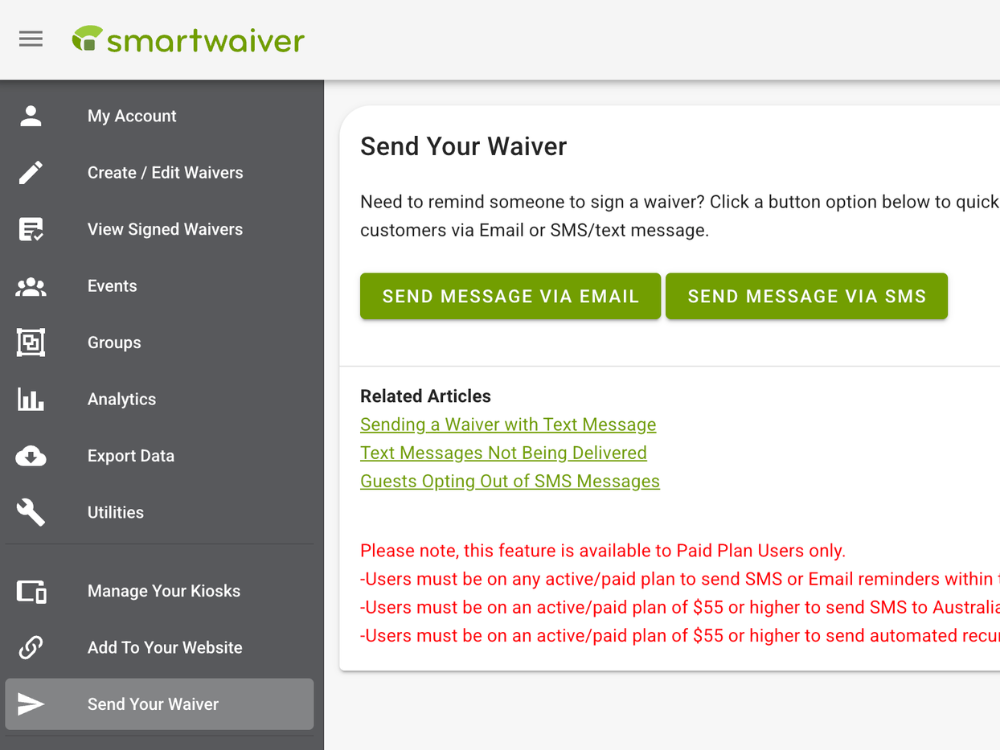
Participant Signs
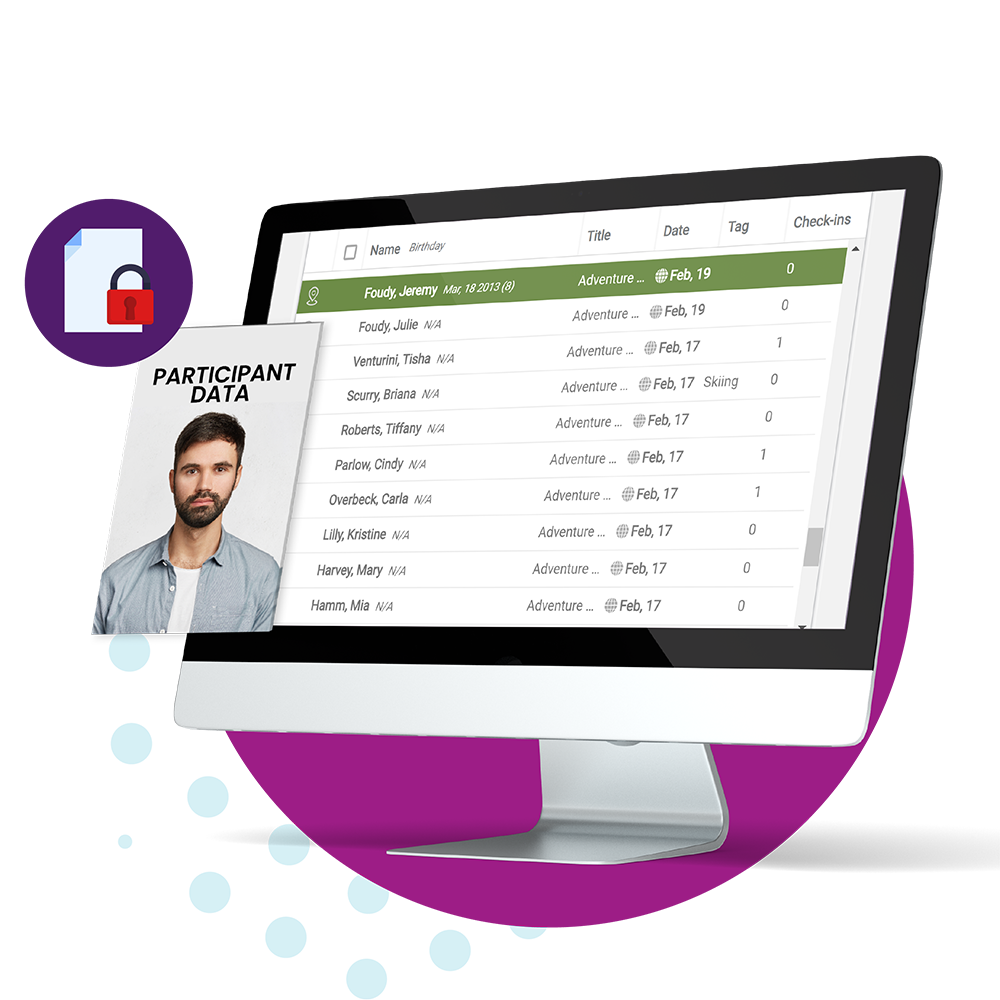
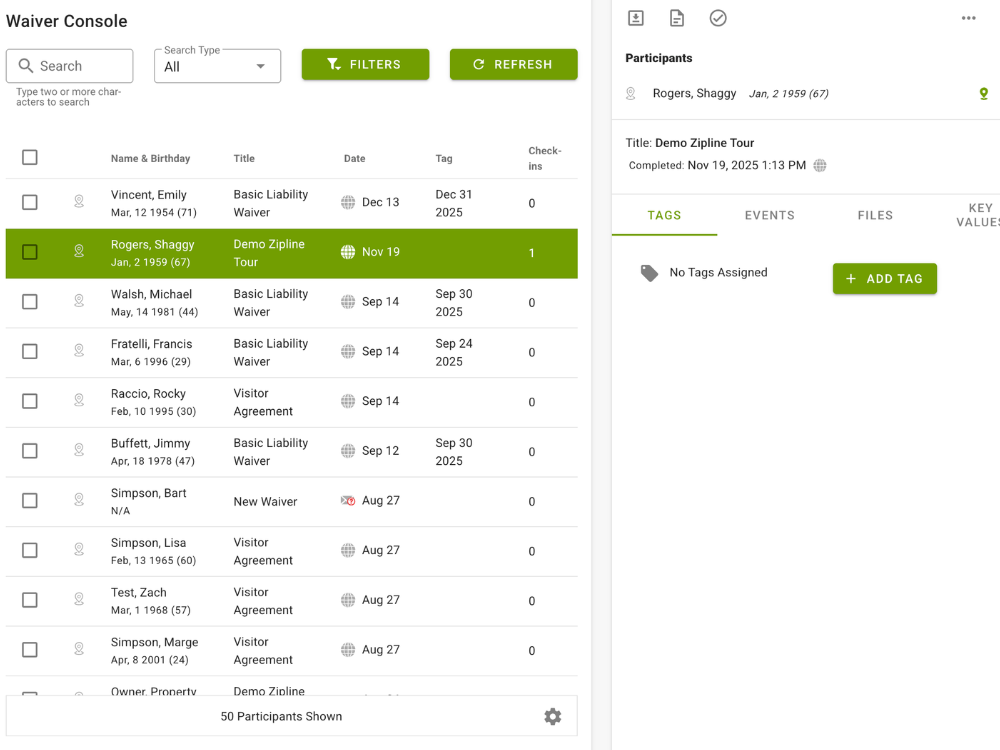
Securely Store
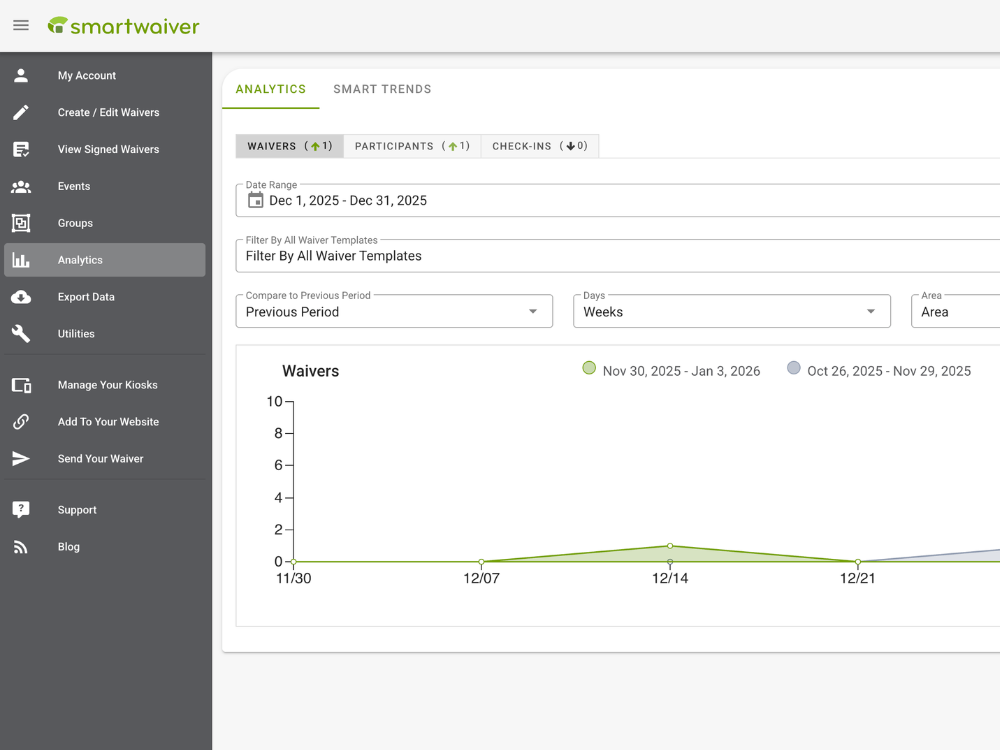
Use Data for Marketing
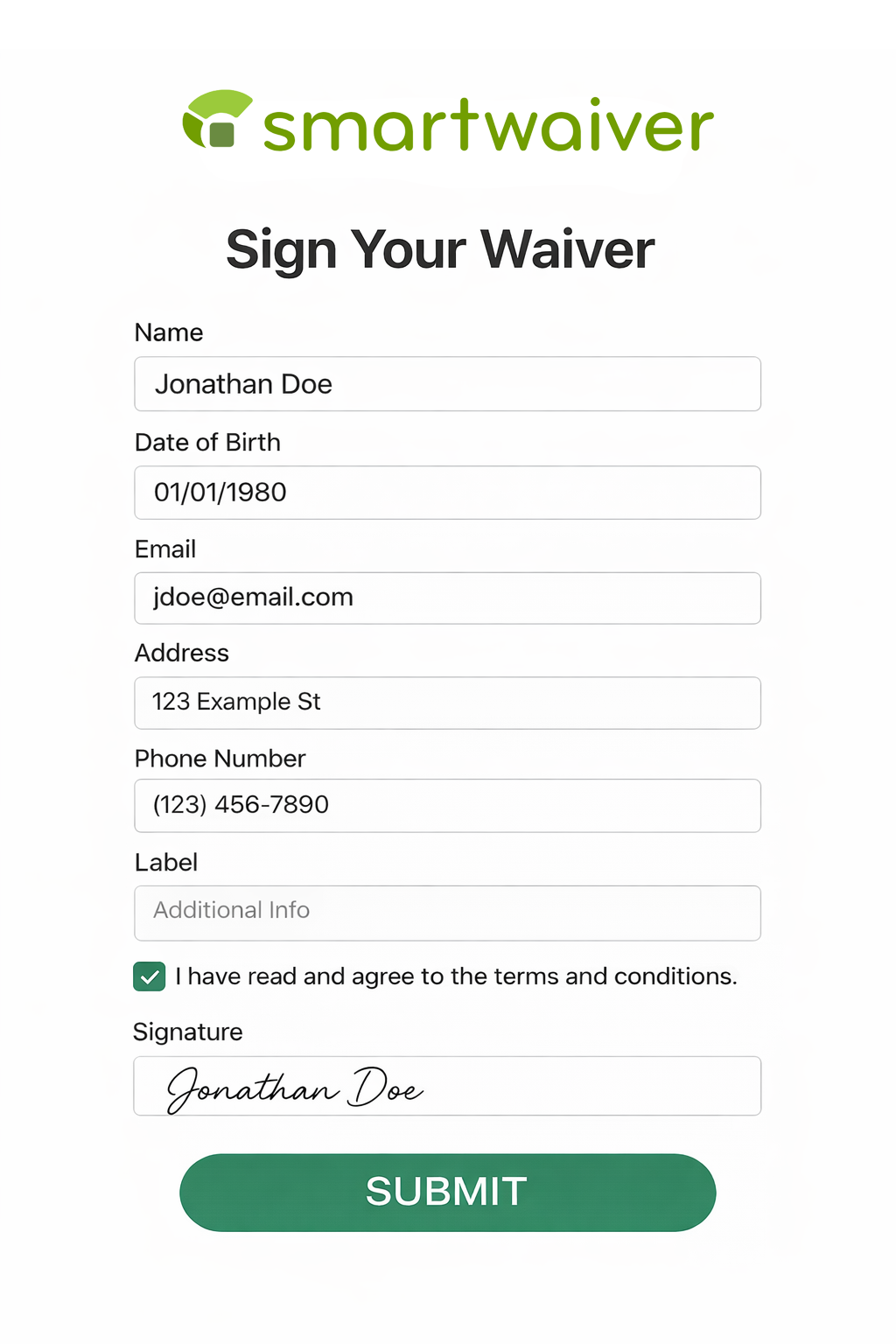
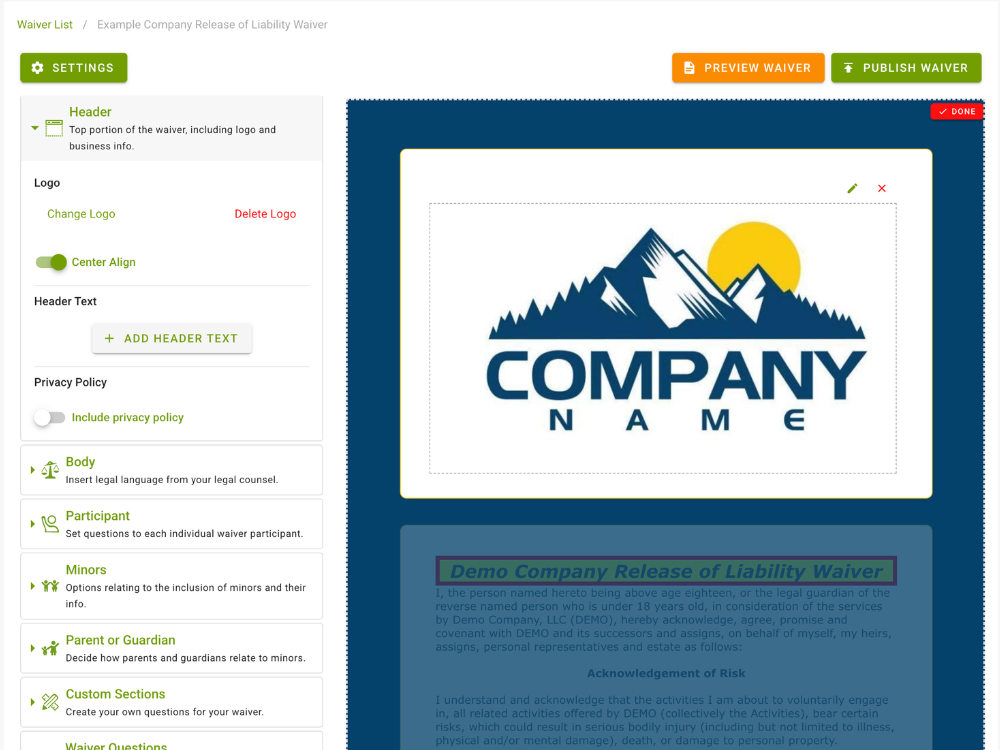
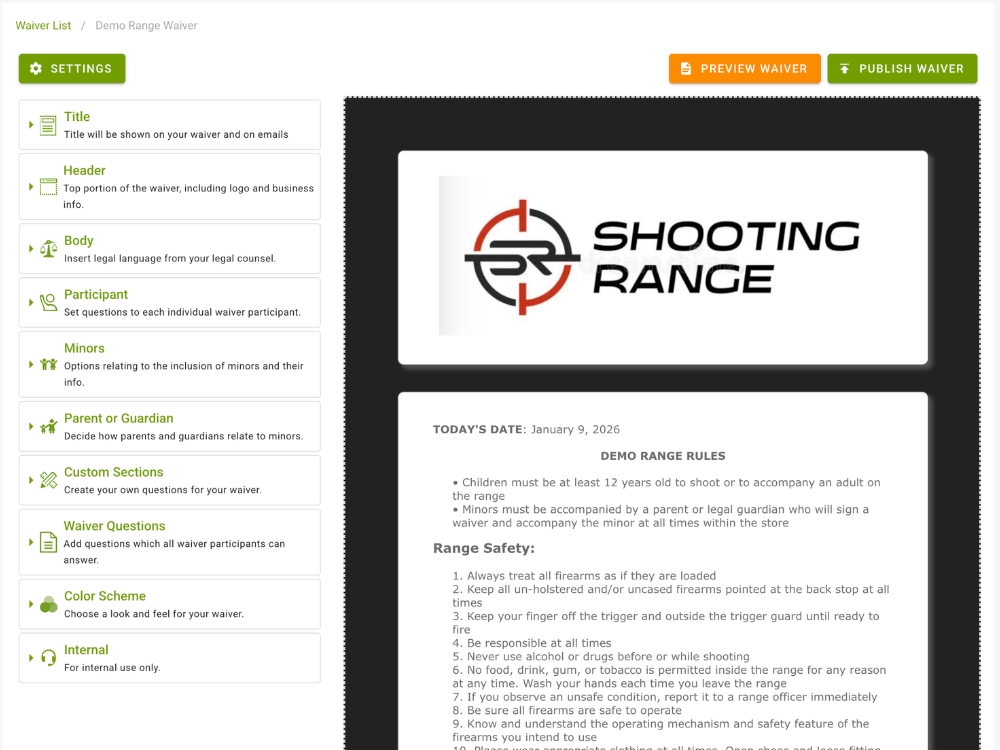
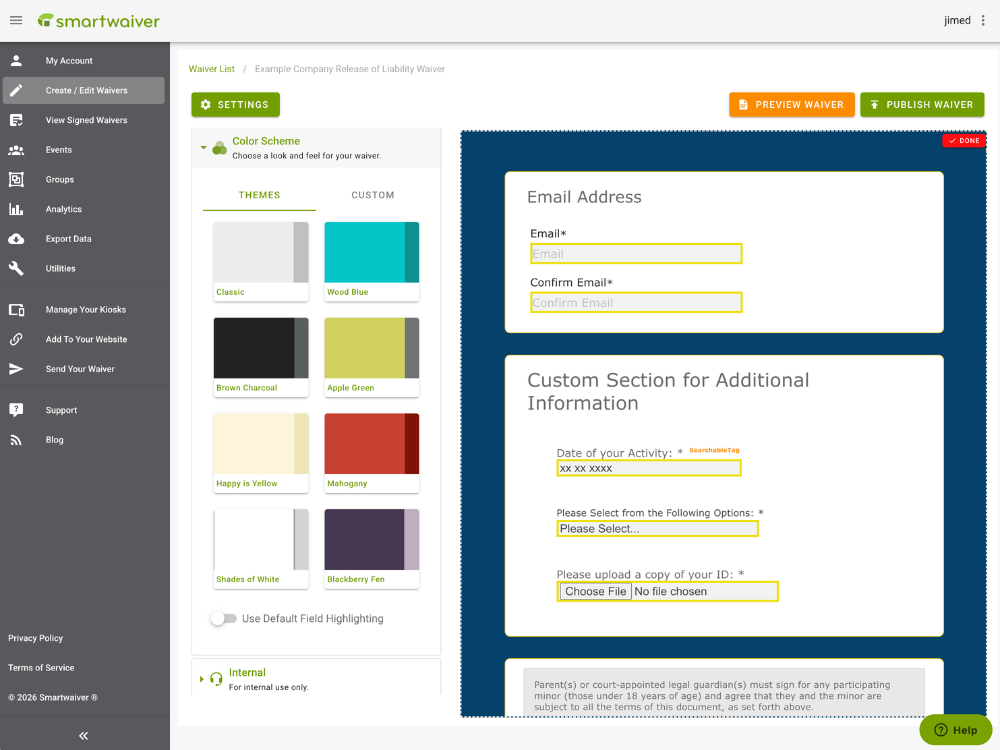
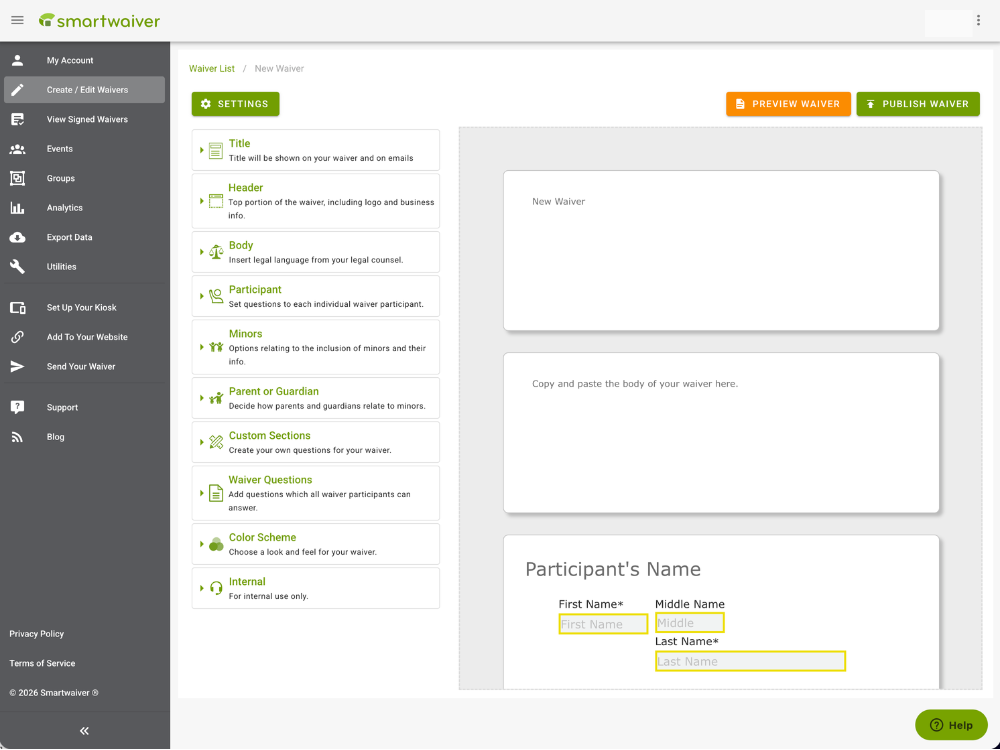
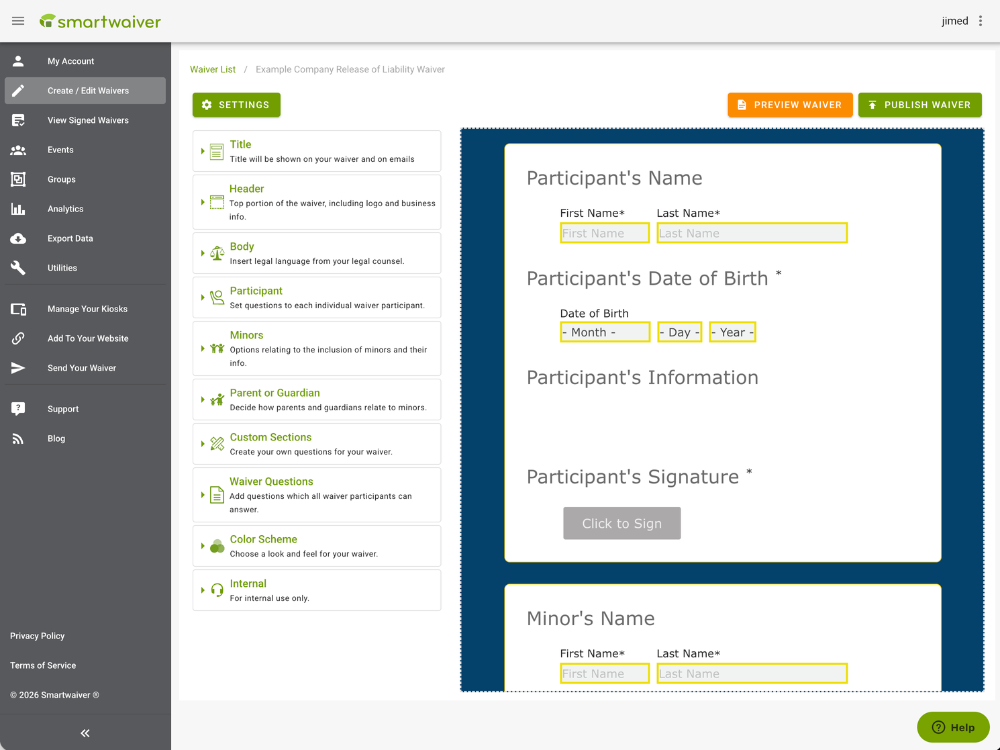
Build Customized Digital Waivers
Use Smartwaiver’s online Waiver Editor to customize your digital form. Here are just some of our customizable options:
- Signatures & Initial Boxes
- Auto Photo Capture
- Flagged Questions
- Multiple Languages (French, Spanish, and Simplified Chinese)
- Unlimited Custom Questions
- Parent/Guardian Relationships
- Safety & Instructional Videos
Collect Smart Waivers
Smartwaiver alleviates front desk congestion by increasing the number of pre-signed waivers your business receives. Collect signatures online and offline using options like:
- Embedded Waiver Widget
- SMS Push Text
- Waiver Kiosk App
- Customized Web Button
- Email Links
- QR Code
- Offline Mode
Connect Easily to Your Everyday Tools.
Digital Waiver Editor FAQs
What is a digital waiver editor?
Digital waiver editors allow you to create, customize, and manage your waivers. They are typically included in comprehensive waiver software. Editors provide much more flexibility than printed documents or static PDFs, as you can make adjustments on the fly and tailor them to each activity.
Most editors do not require any complicated coding. Instead, they use a user-friendly drag-and-drop interface that lets you easily add custom fields, your branding, and relevant safety training materials. This ensures the waiver signing process is both legally sound and efficient.
What features should I look for in a digital waiver editor?
You need a flexible, intuitive editor with the tools to make your forms legally sound. Key features to look for include:
- Immediate updates: Look for an editor that allows you to make immediate updates to your waivers and push out the changes to your existing waivers.
- Custom branding: Adding custom branding, colors, and logos will give your waiver a more professional look.
- Custom fields: Building custom fields can help you collect demographic and contact information you can use to strengthen marketing efforts.
- Secure storage: Choose an editor that automatically saves signed documents to a secure, cloud-based storage vault.
Why shouldn't I just use a standard PDF for my online waivers?
A static PDF cannot enforce logic (e.g., ensuring the participant is of legal age) or guarantee that participants sign it, whereas a specialized waiver tool can.
For instance, when a customer fills out a PDF, they can easily skip important medical questions, forget to date the document, or leave the emergency contact field blank. A digital waiver editor, on the other hand, allows you to make certain fields mandatory. The system will not allow participants to submit the form until every required question is answered and they sign the form, guaranteeing you never have an incomplete waiver on file.
What are flagged questions, and how do they protect my business?
To set up flagged questions, configure the editor to “flag” the waiver if a participant provides a certain answer to the designated question. For example, if you ask an important medical question (“Do you have severe allergies?"), you can flag the waiver if the participant answers yes.
When a participant with a flagged waiver checks in, you’ll see that they have a special need or accommodation. This allows you to take necessary precautions without having to manually track down the document and find the relevant information.
Why should I require initials on specific paragraphs instead of just a final signature?
Placing a mandatory initial box next to critical paragraphs forces participants to pause, digest the information, and explicitly acknowledge those specific risks or conditions. If you only include a single signature at the bottom, a participant could claim that they "didn't see" a specific clause.
In other words, an initial box serves as a fallback for providing concrete proof of "informed consent" in the event of a legal dispute.