














<img height="1" width="1" src="https://www.facebook.com/tr?id=731265039186674&amp;ev=PageView &amp;noscript=1">

Built to Save Time, Protect Your Data, and Simplify Digital Waivers

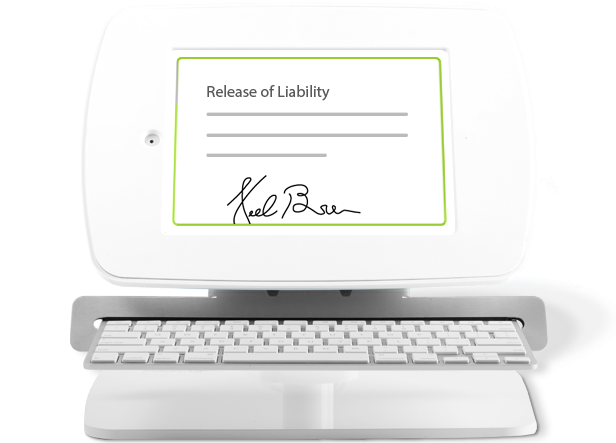
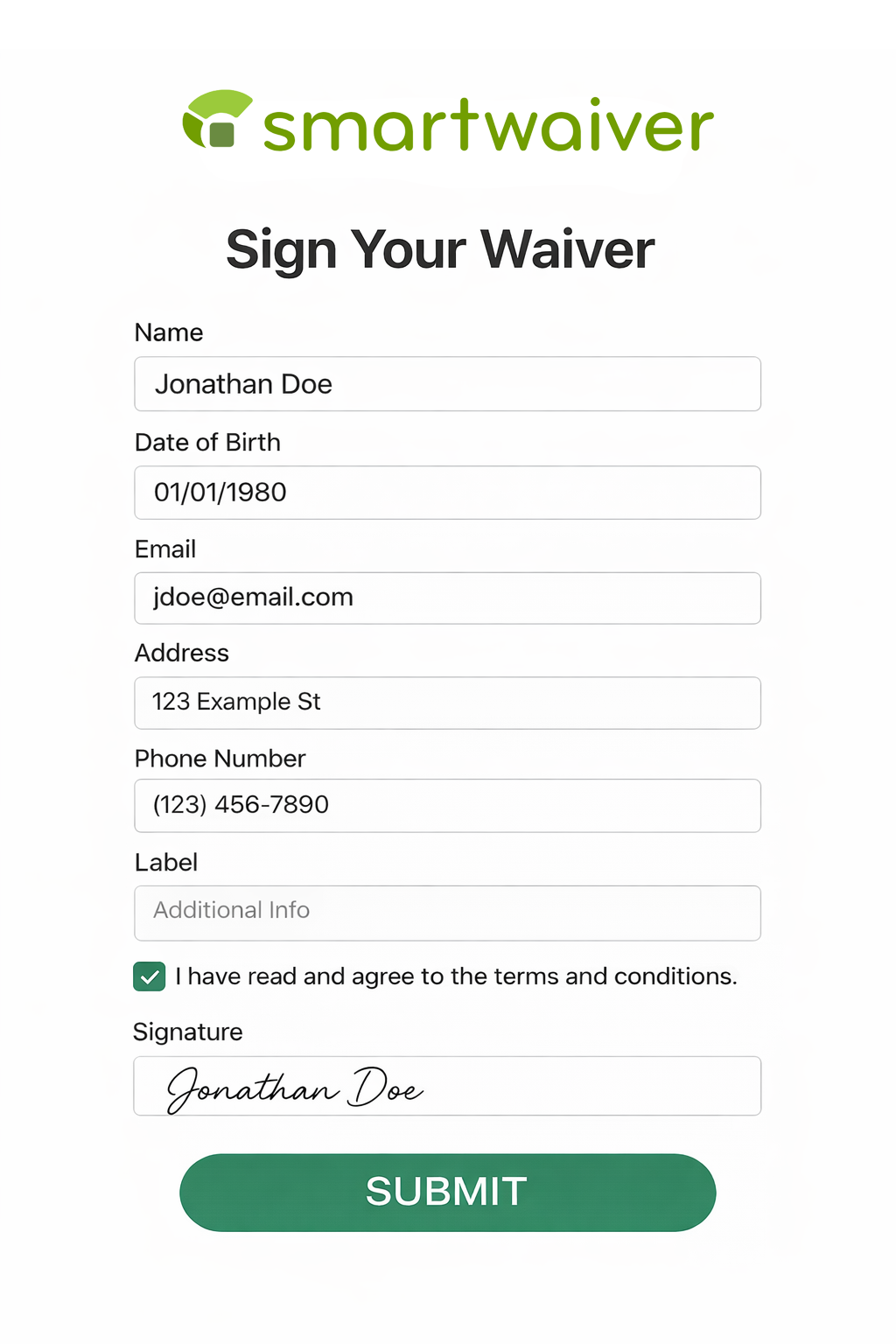
Powered by our top-of-the-line digital waiver software, Smartwaiver’s free waiver kiosk app delivers the features you need to streamline the process, offer excellent customer experiences, and secure data.
notes icon
Man holding Ipad-1

Auto Photo Capture

Give your business an extra layer of protection by seamlessly integrating photo verification into the waiver signing process. Here’s how it works:

  1. A participant signs a waiver in person at your waiver kiosk.
  2. While they sign, the device automatically takes three photos at various stages of the process.
  3. Once the form is submitted, the photos are saved in a PDF copy of the waiver and in the signed form stored in your Waiver Console.
true-icon
Woman scanning id

Driver's License Scanning

Filling out long forms is a hassle. With our Driver’s License Scanning feature, participants can scan their license at your kiosk to instantly pre-fill waiver fields such as name, address, gender, date of birth, license or ID number, and issuing state. Powered by Smartwaiver and barcode scanning, it speeds up check-in and improves accuracy.

 

Learn more about this feature →

seamless-icon
person-1

Offline Functionality

Whether you operate a summer camp deep in the woods, organize ziplining tours high in the mountains, or simply struggle with spotty WiFi, there may be times when you need to collect waivers without an internet connection.

Smartwaiver’s kiosk app allows you to store signed waivers offline so you can collect signatures from anywhere. To use this feature, simply set the maximum number of waivers you’d like to collect while offline and have participants start signing. Once your device connects to the internet, these waivers will automatically be saved to your Smartwaiver account!

basic star icon
Woman with ipad wearing orange

Customization Options

Smartwaiver offers unlimited, customizable waiver templates that you can edit in the Waiver Editor. Add signatures and initial boxes, flagged questions, custom questions, and even offer the waiver in multiple languages. You can also embed safety and instruction videos and options to designate parent/guardian relationships.

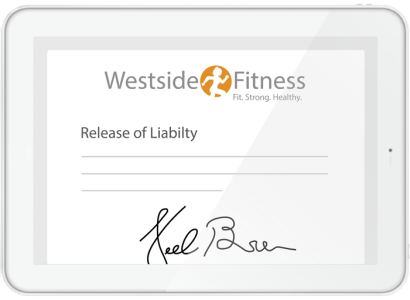
Customize the waiver with your brand name, colors, and logo. Branded elements will be displayed on the app, providing a consistent, professional experience.

Gears icon (1)

Integration Capabilities

Expand the power of Smartwaiver and enjoy seamless operations. Smartwaiver partners with the leading reservation software providers, member management tools, email services, and hardware manufacturers to deliver integrated solutions. 

View all integrations →

Getting Started With Online Waiver Kiosks

1. Download the App
2. Register Your Kiosk
3. Adjust Settings and Prepare for Customers
4. Launch the Waiver on the App

1. Download the App

Participant_Signs_phone-1
Ensure you’ve installed the latest operating system version for your device (iOS 13 or Android 10.0 or later). The app is free on the Apple App Store and Google Play Store.

2. Register Your Kiosk

kiosk_stand_hero
Log into your Smartwaiver account from a computer to register the kiosk. Select “Register New Kiosk” in the app, enter the six-digit registration code displayed on the app, and name the new kiosk.

3. Adjust Settings and Prepare for Customers

securityREV-1
Set up Auto Photo Capture, select the waivers you’d like to display, and designate the inactivity timeout and offline collection limit. Create an admin passcode so only your staff can access signed waivers.

4. Launch the Waiver on the App

kiosk_ipad
Select the waiver you’d like to display. If you have multiple, set up a Waiver Index Page where participants can choose the waiver relevant to them—for example, they may select between the various activities you offer.

Do I need a Smartwaiver account to use the app?

Yes, you must have an account with Smartwaiver’s waiver software to register your waiver kiosk and display your digital waivers on the device.

Is the waiver kiosk app free?

Yes, the app is 100% free. Smartwaiver offers flexible pricing starting at $19 per month.

What devices are compatible with the app?

The app works with iPads running iOS 13 or later and Android devices with Android 10.0 or later. Amazon Fire Tablets are not supported at this time.

apple app store button - large          google play button


How do I manage and access waivers collected through the kiosk?

All waivers signed via the kiosk are securely stored in your Smartwaiver account and synced via cloud storage. Create, update, and search for waivers from your Smartwaiver account— any changes will be reflected in the app.
quote-icon

Making the waiver process smooth for both our staff & guests.

“I’ve used other waiver apps and Smartwaiver is hands down the best! Super simple for our front desk and customers. We collect hundreds of waivers each day and we’ve had zero issues. Highly recommend.” Smartwaiver Waive Kiosk App User iOS Version

With Smartwaiver, you get more than just a signature.

Simplify your workflow, protect your business, and collect data smarter—all in one place with tools that keep your operations efficient and organized.